
User Guide
Sign In
Upload Document
Select Document Type
Start Analysis
Sign Up and Sign In
Fill the registration form and sign in to your account right away.
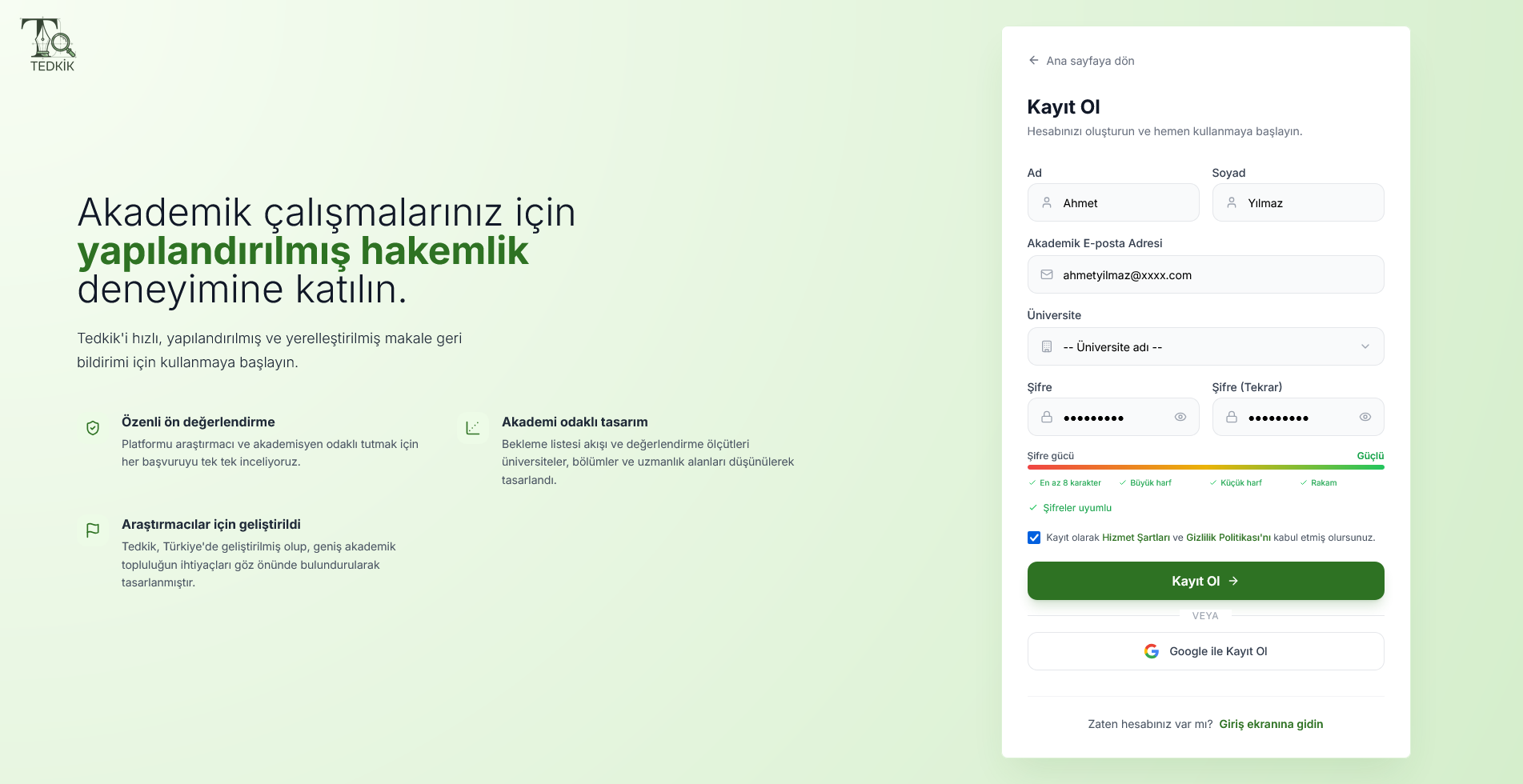
1. Sign Up
- Click the Sign Up button on the homepage
- Enter your name, email and password
- After verifying your email, you can start using it right away
2. Sign In
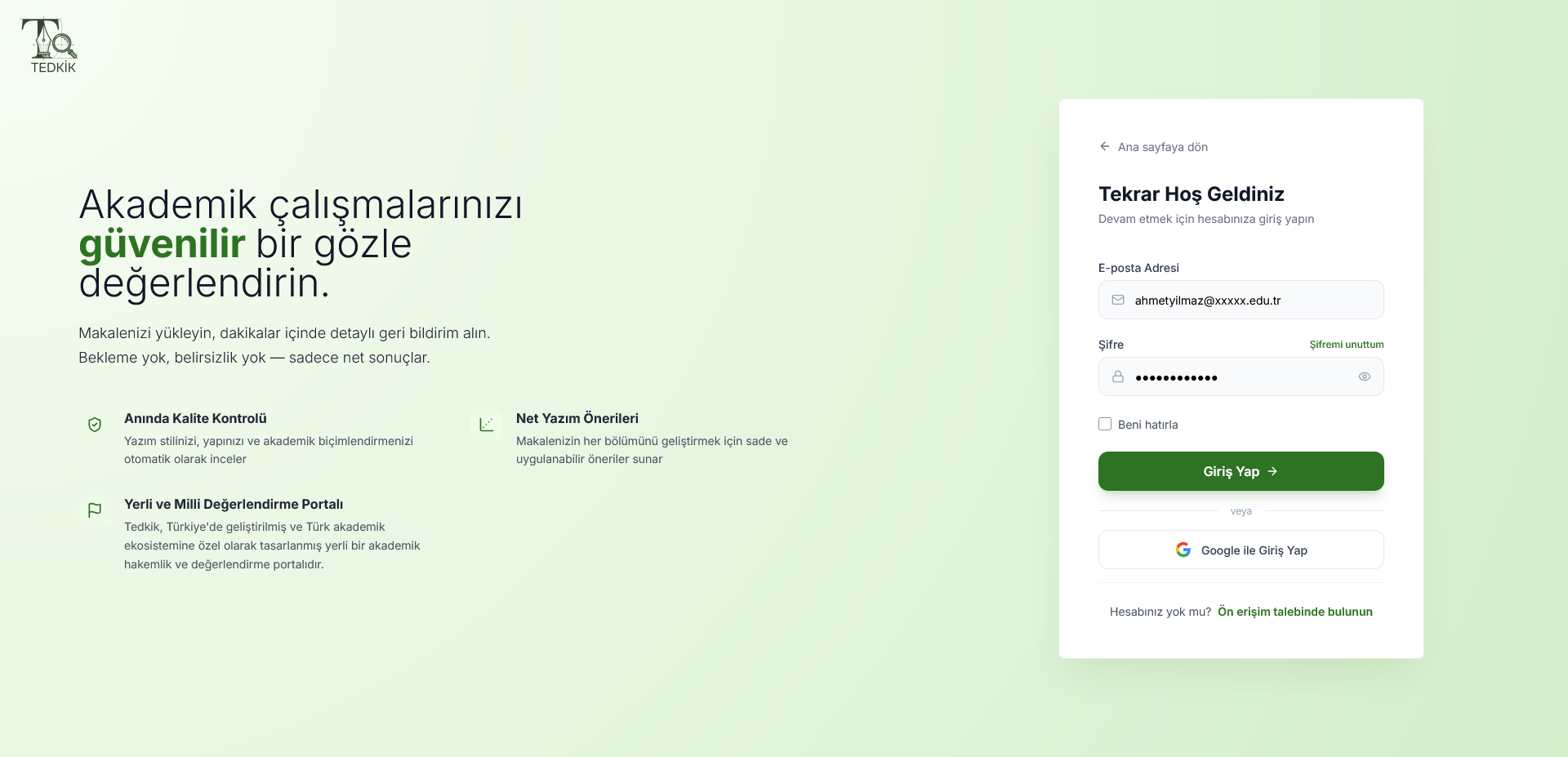
- After registration, go directly to the Sign In page
- Sign in with the email and password you registered with
- You can also sign in quickly with your Google account
Start a New Analysis
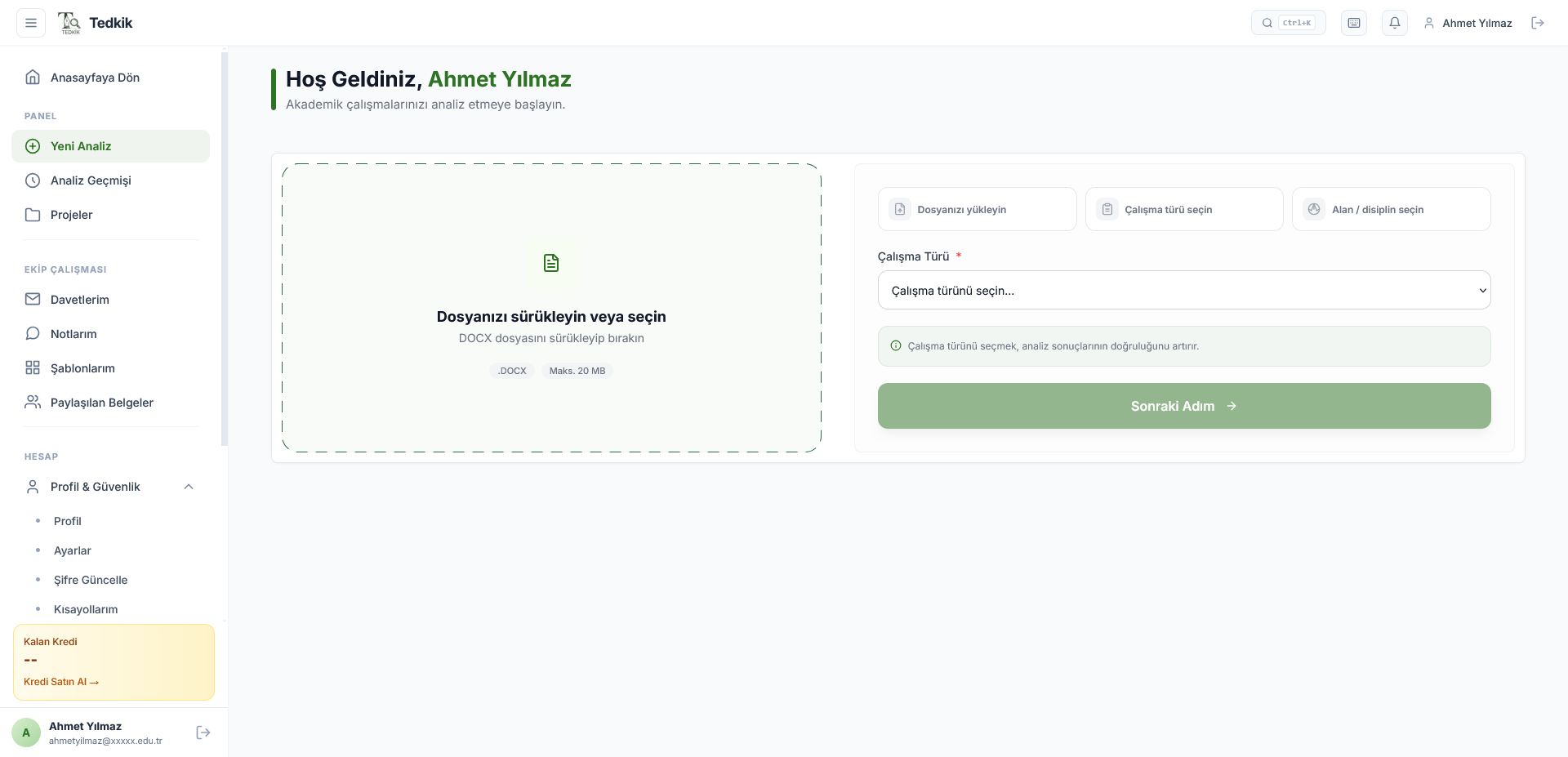
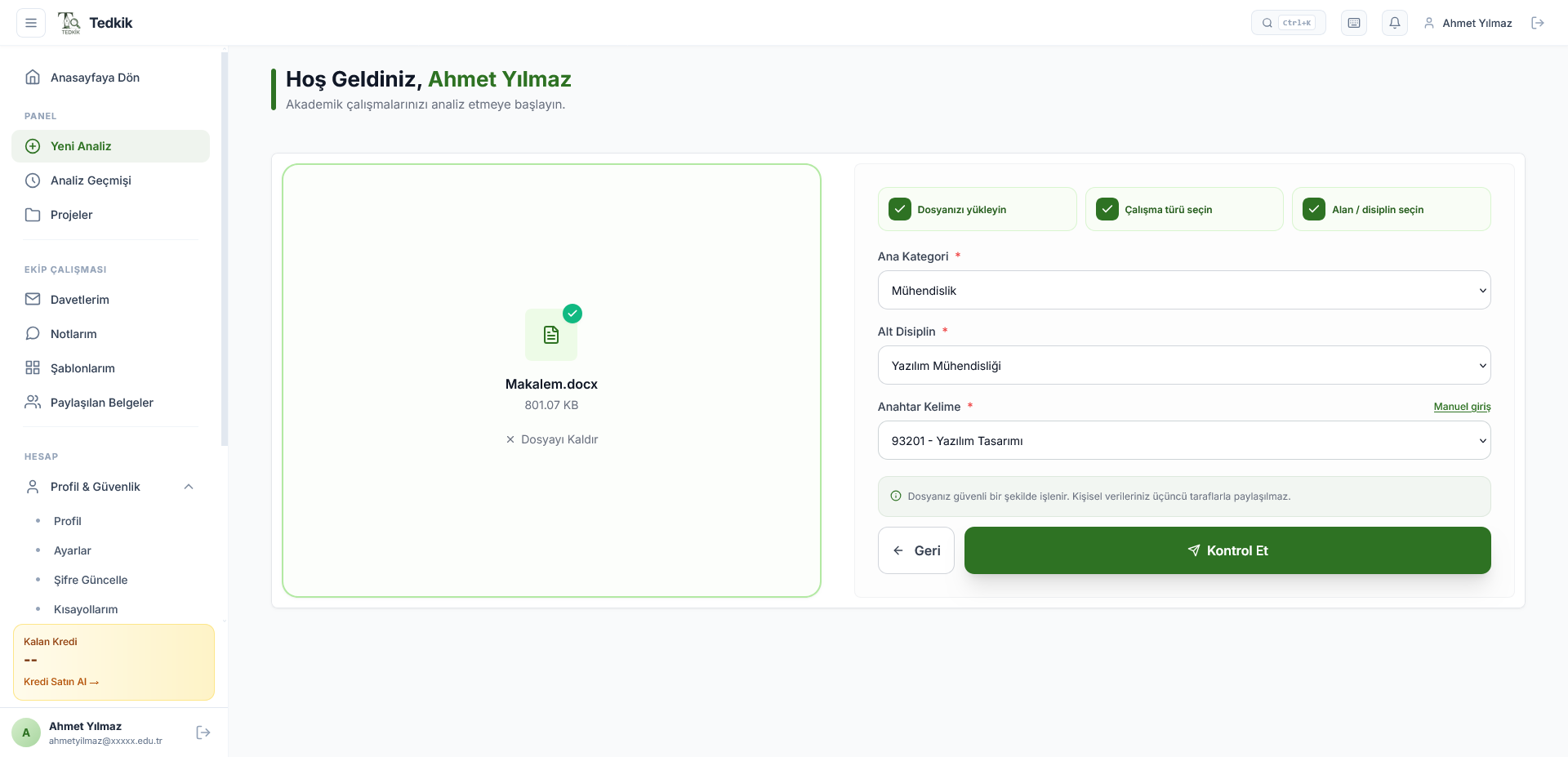
Click "New Analysis" from the panel and complete three steps.
Upload Your File
Drag and drop or select your article in DOCX format. Max 20 MB.
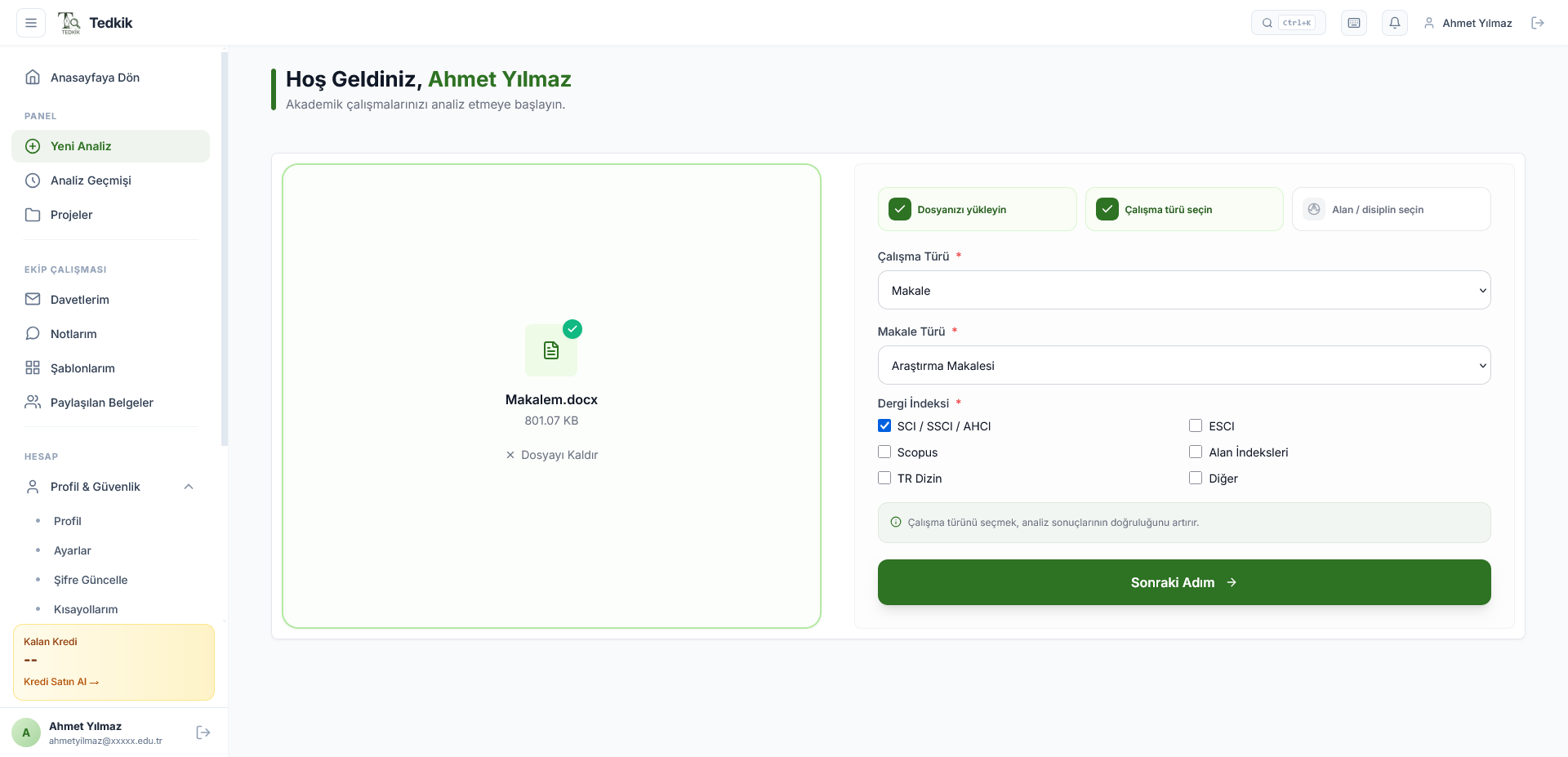
Select Work Type
Specify the article type (research, review…) and target journal index (SCI, Scopus, TR Index…).
Select Field & Discipline
Select the main category, sub-discipline and keyword. The correct field improves analysis quality.
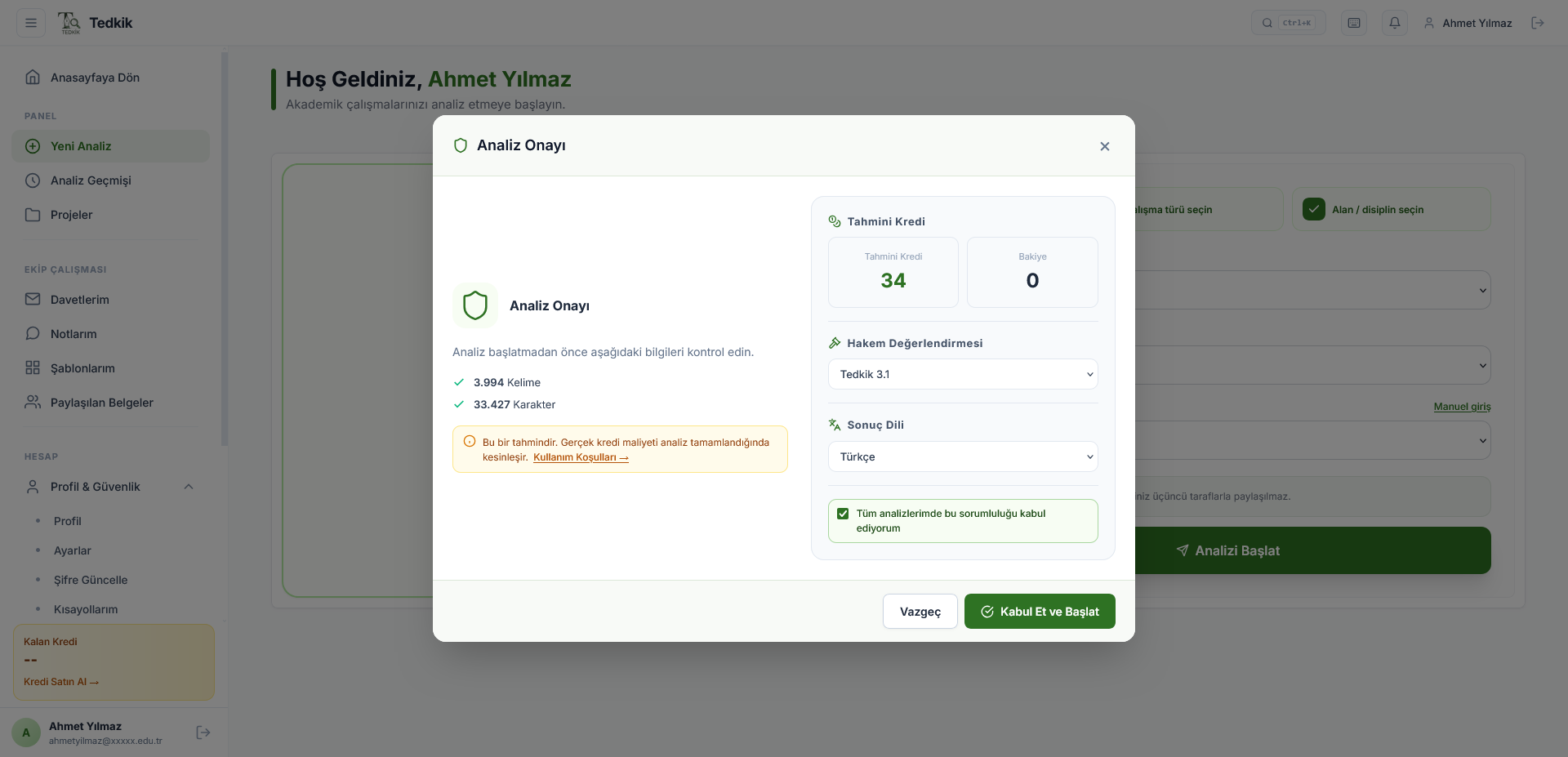
Confirm the Analysis
A confirmation screen showing estimated credit cost, word count and peer review standard opens. Accept the terms and click "Accept and Start".
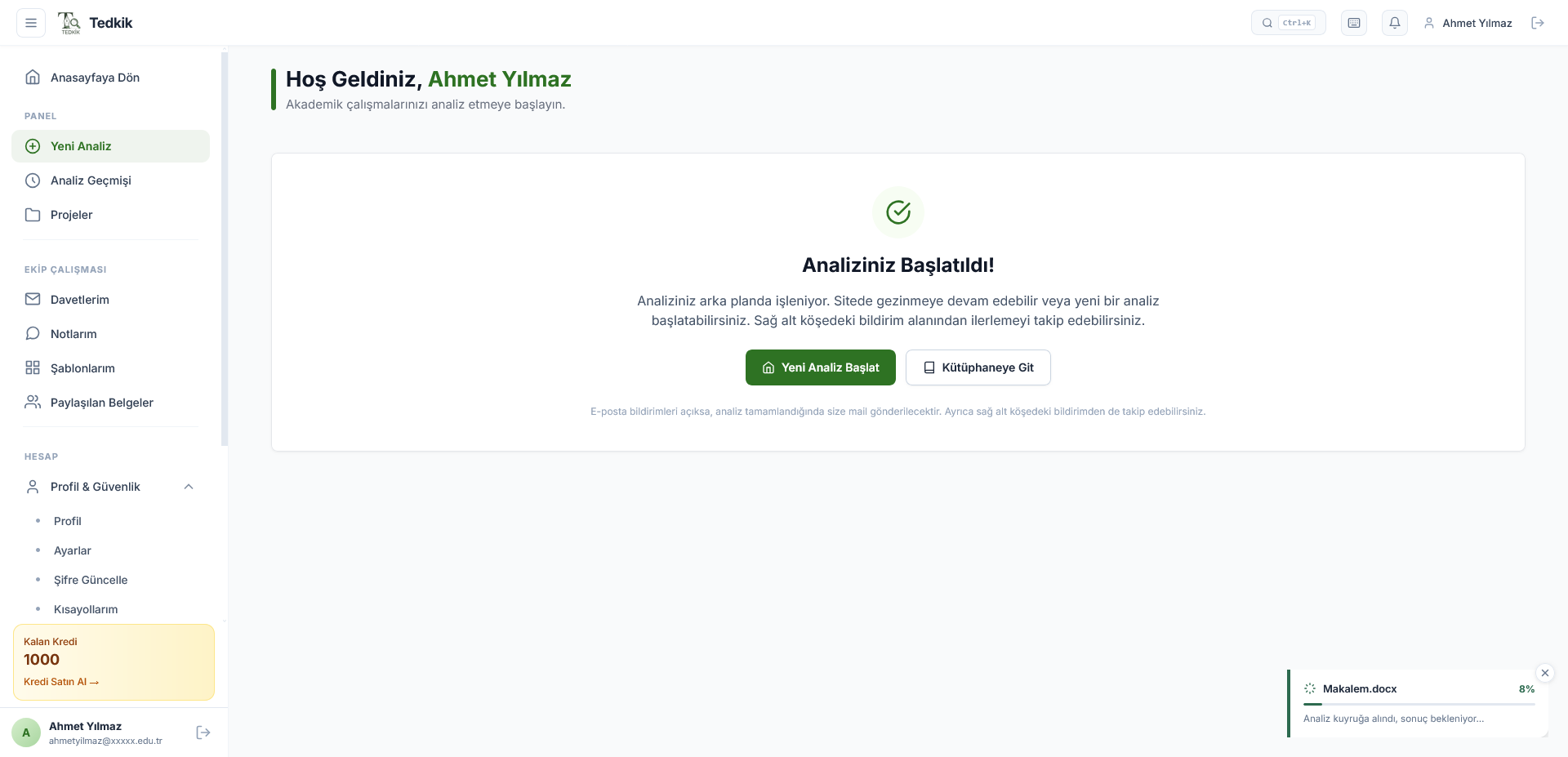
Analysis Started!
The analysis is processed in the background. You can continue browsing the site. You will be notified via the widget in the bottom right corner and by email when complete.
Review Analysis Results
When the analysis is complete, navigate to the result page from My Library.
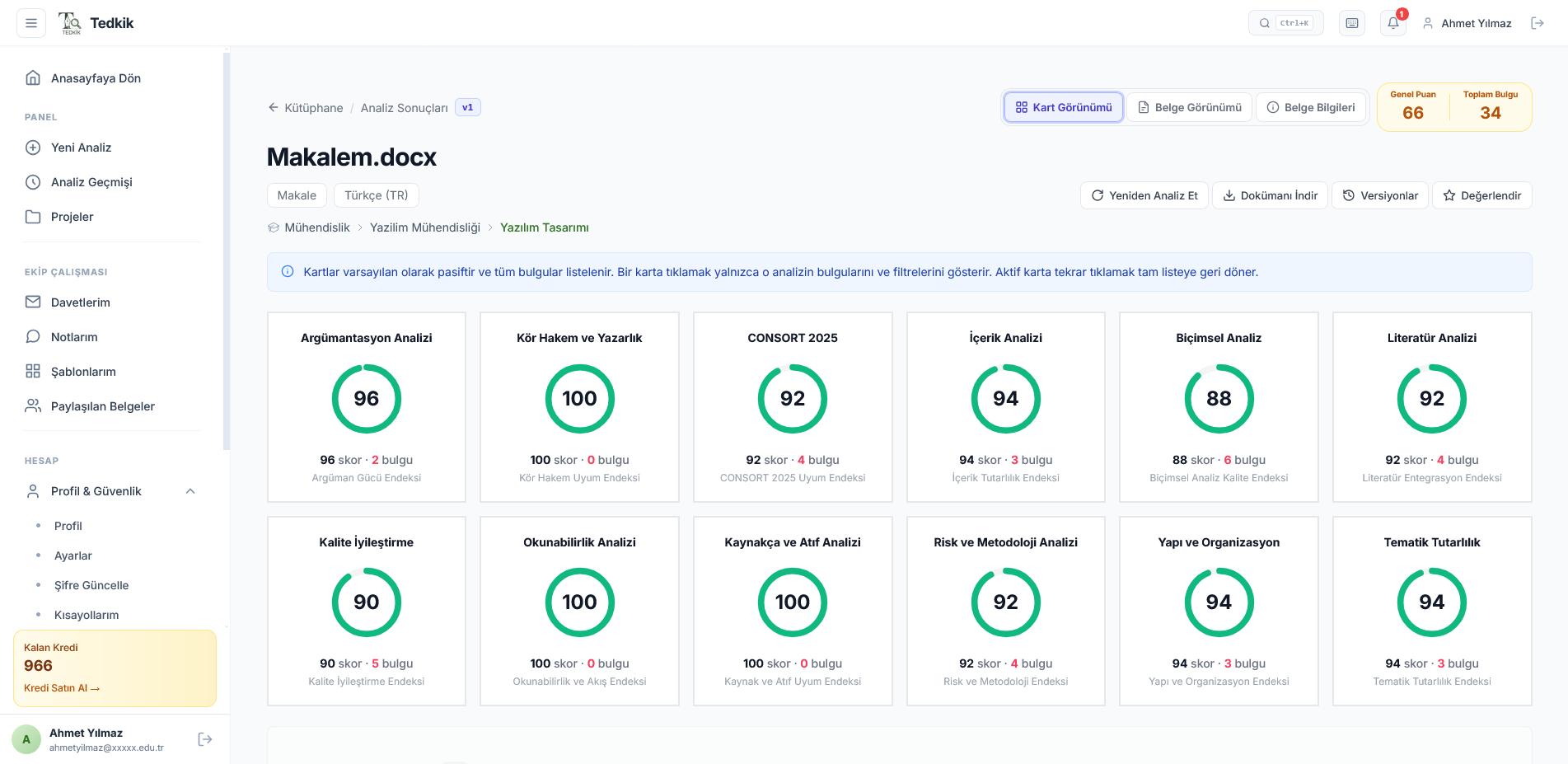
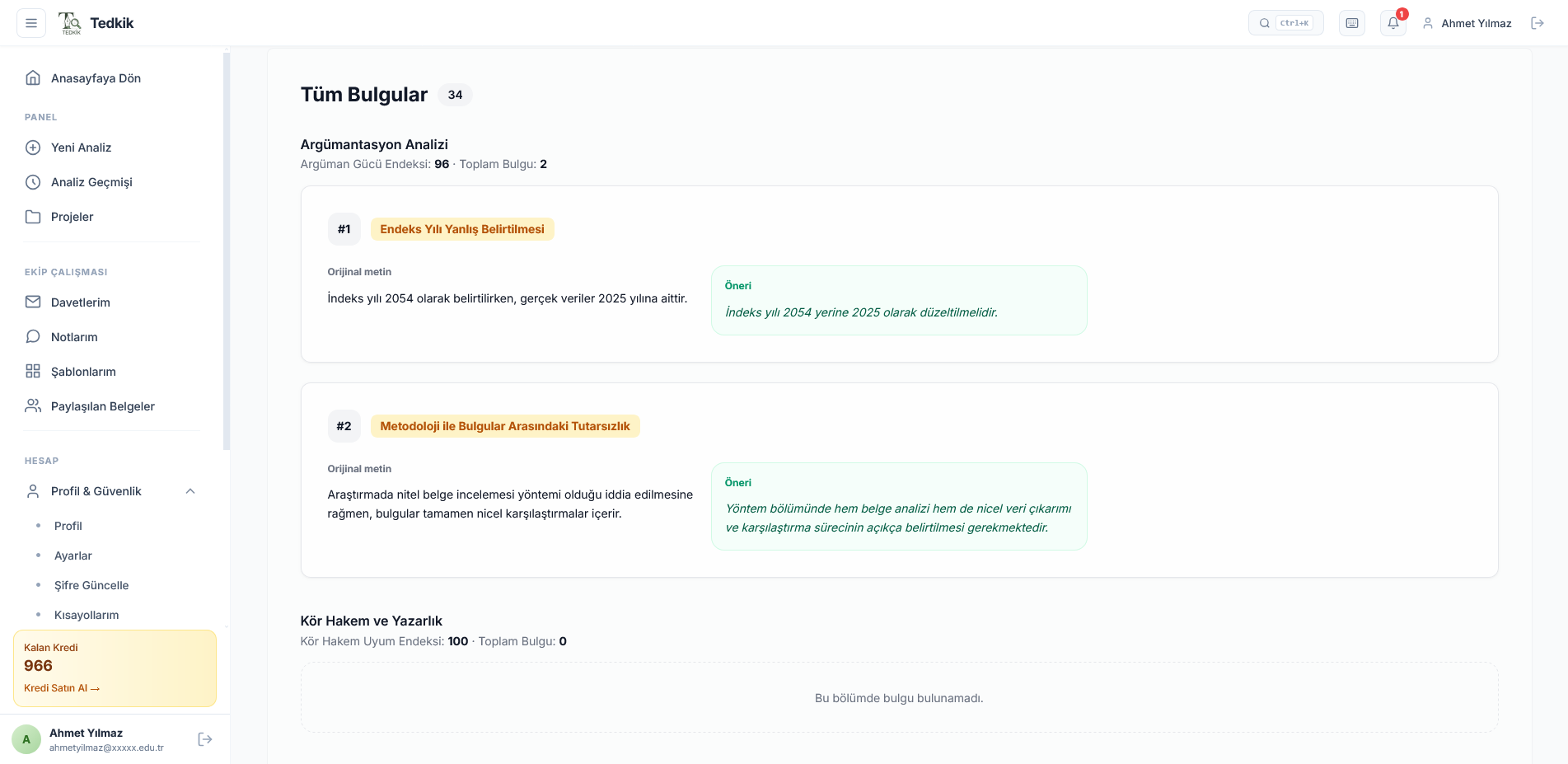
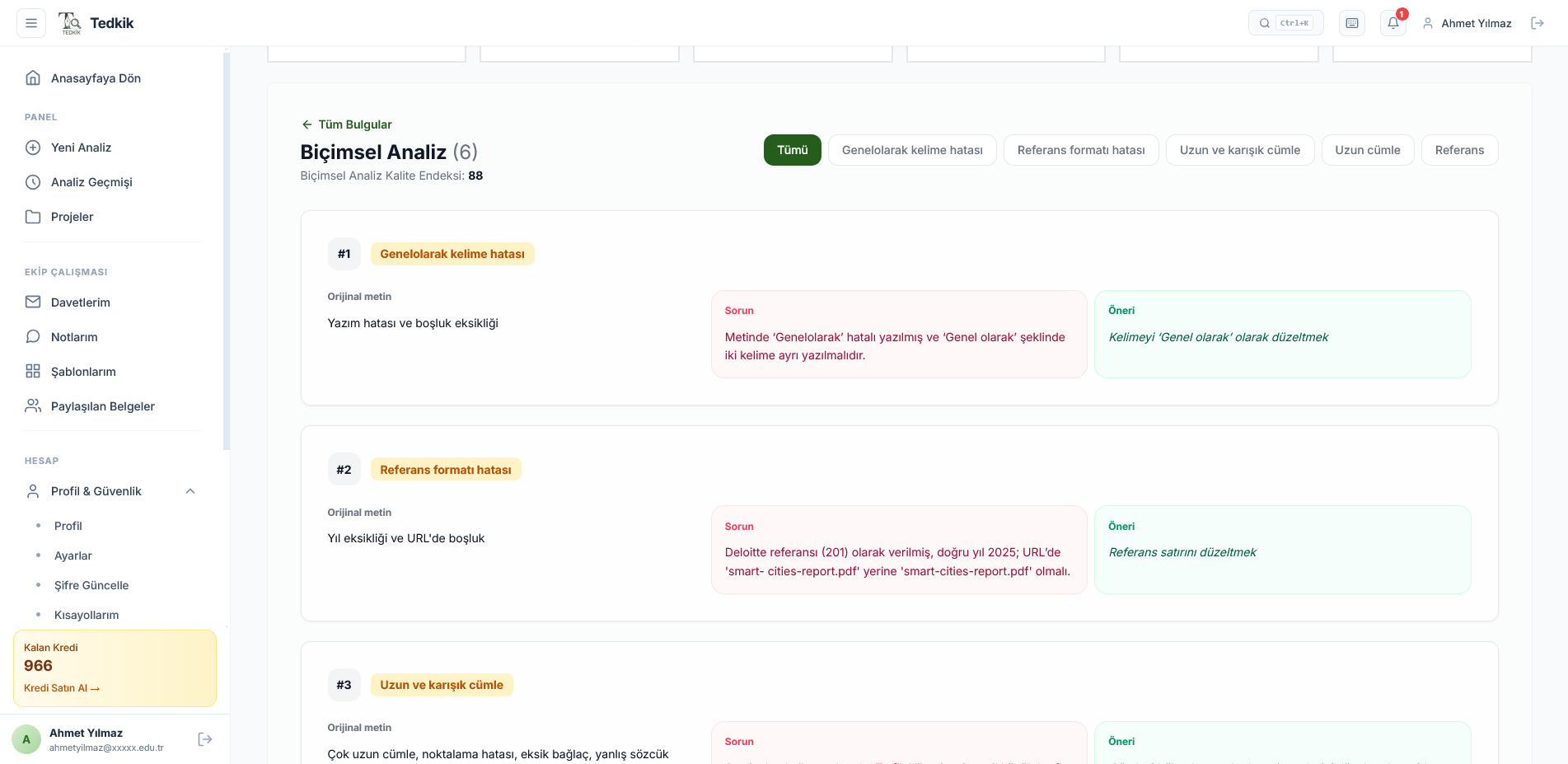
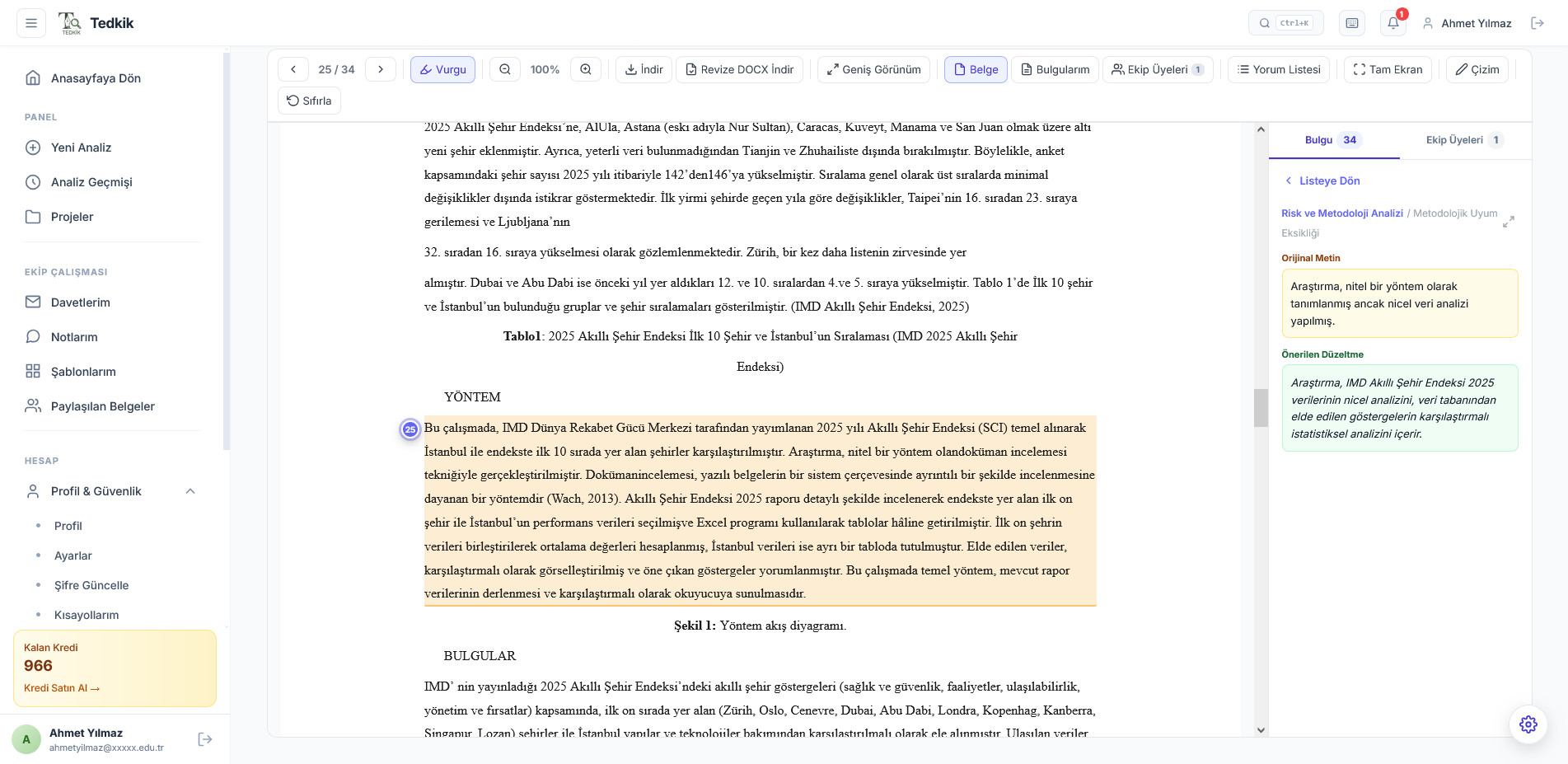
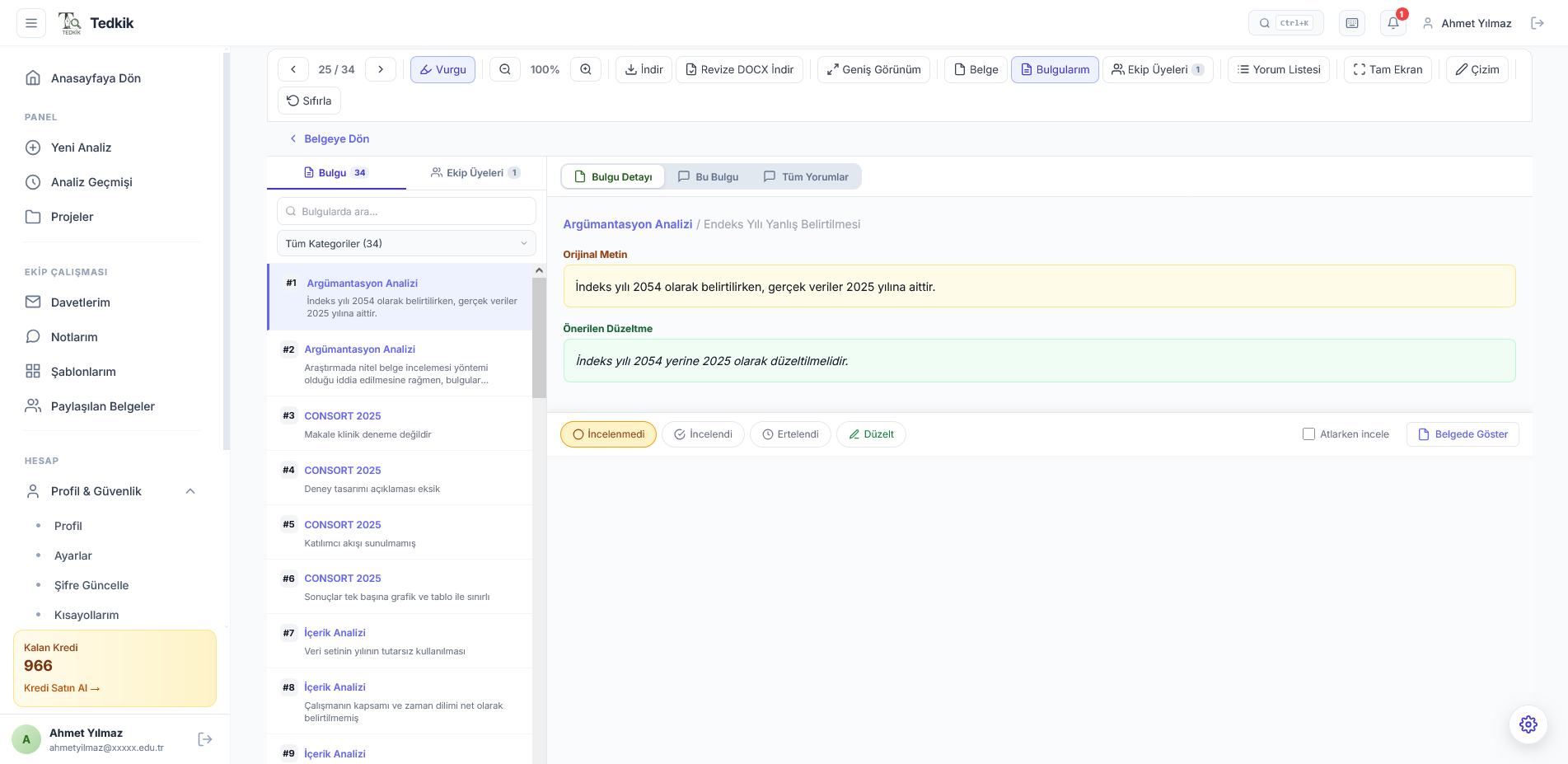
12 Different Analysis Categories
Each article is scored separately on a 0–100 scale for argumentation strength, source compliance, risk assessment, literature consistency and more.
Detailed findings, improvement suggestions and source references for each category are presented in separate tabs.
Result Page Details — Click to zoom in
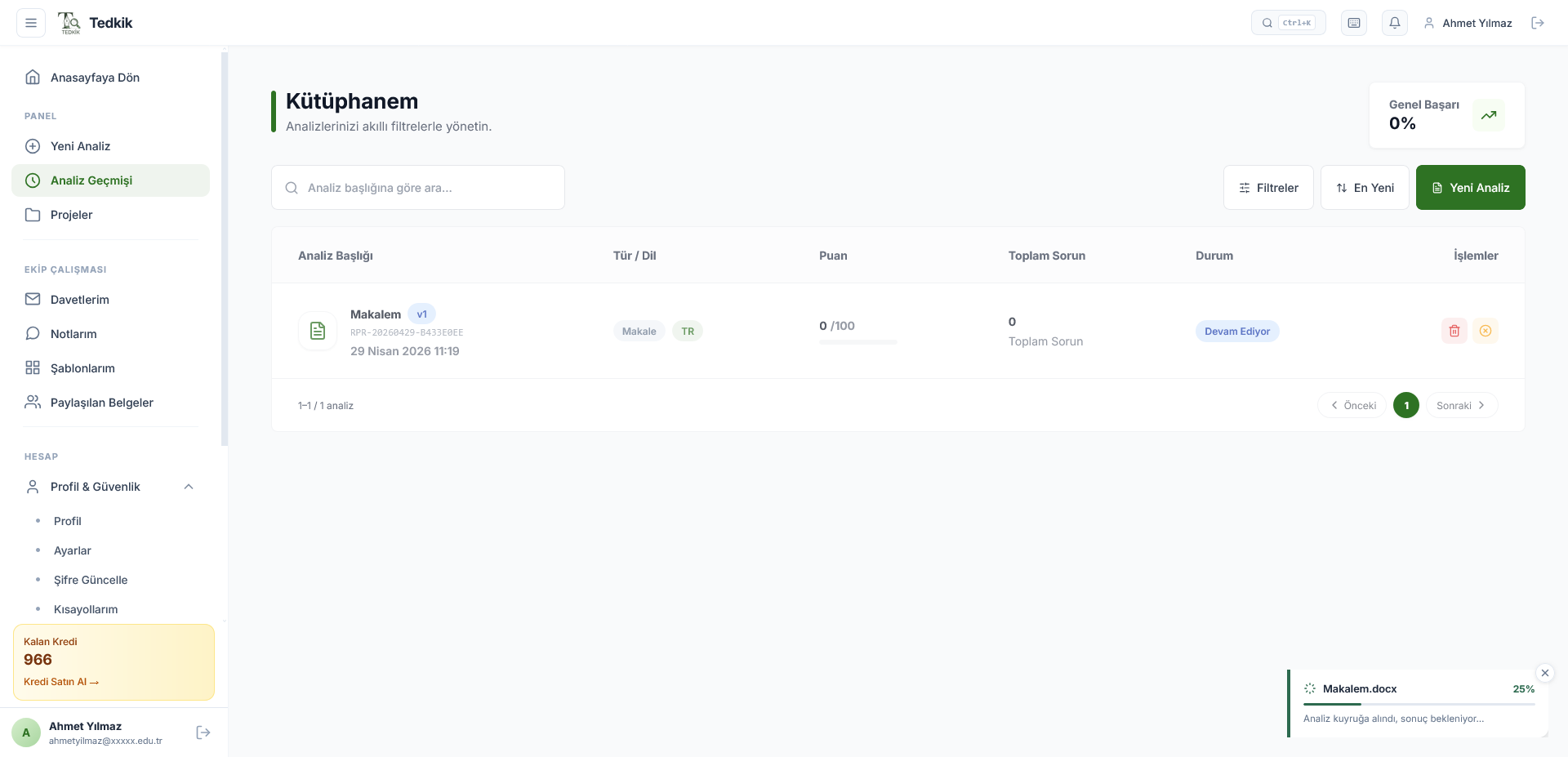
My Library
Manage all your analyses from a single screen.
Smart Search & Filtering
Filter instantly by analysis title, type or date.
Overall Success Score
Average score and progress chart of all your analyses.
Live Status Tracking
Progress percentage of ongoing analyses is updated in real time.
Team Tools & Sharing
Edit your analyses, share with your team and create templates.
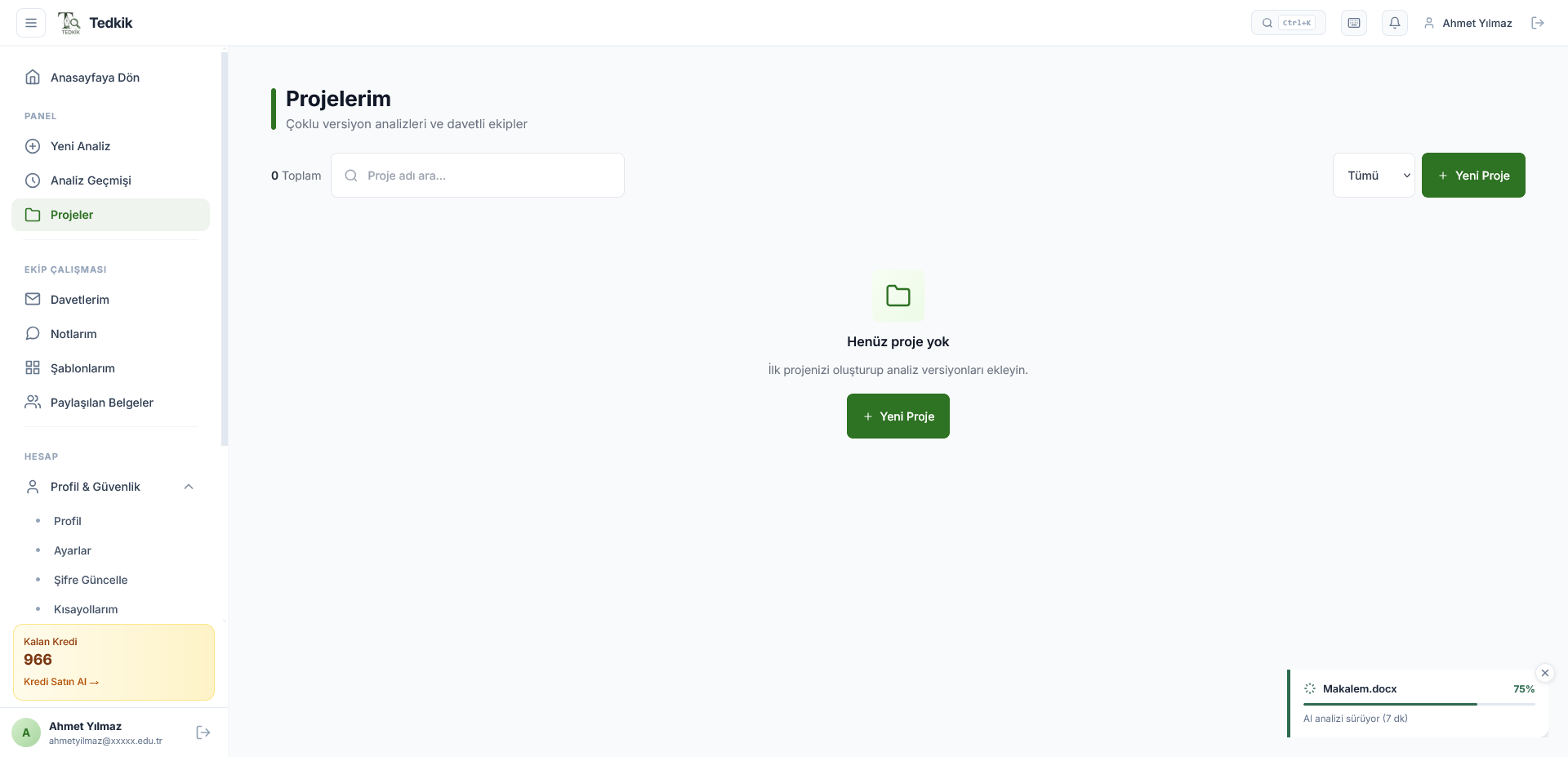
My Projects
Manage analysis versions and invited teams on a per-project basis.
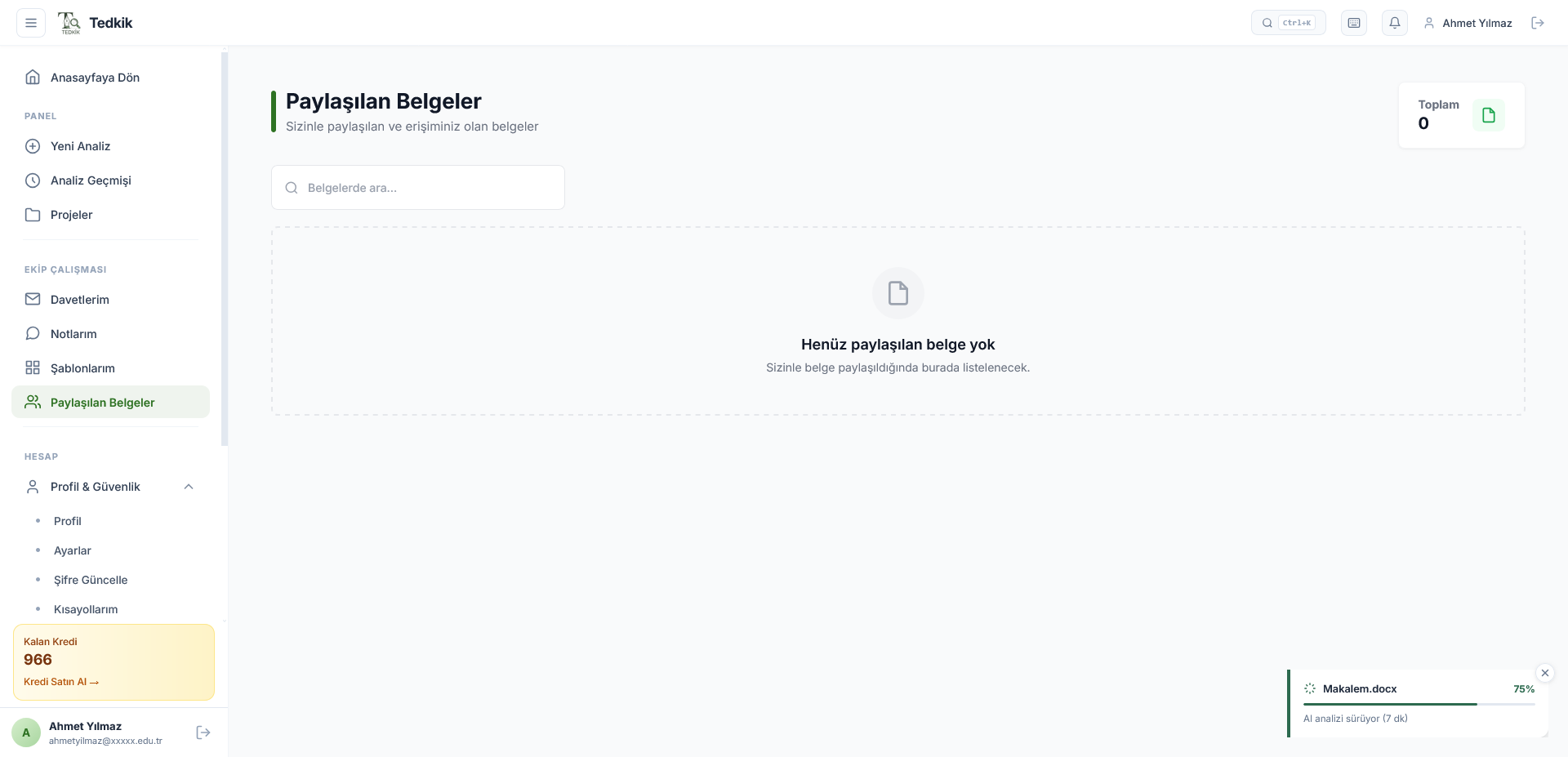
Shared Documents
Documents shared with you and those you have access to are listed here.
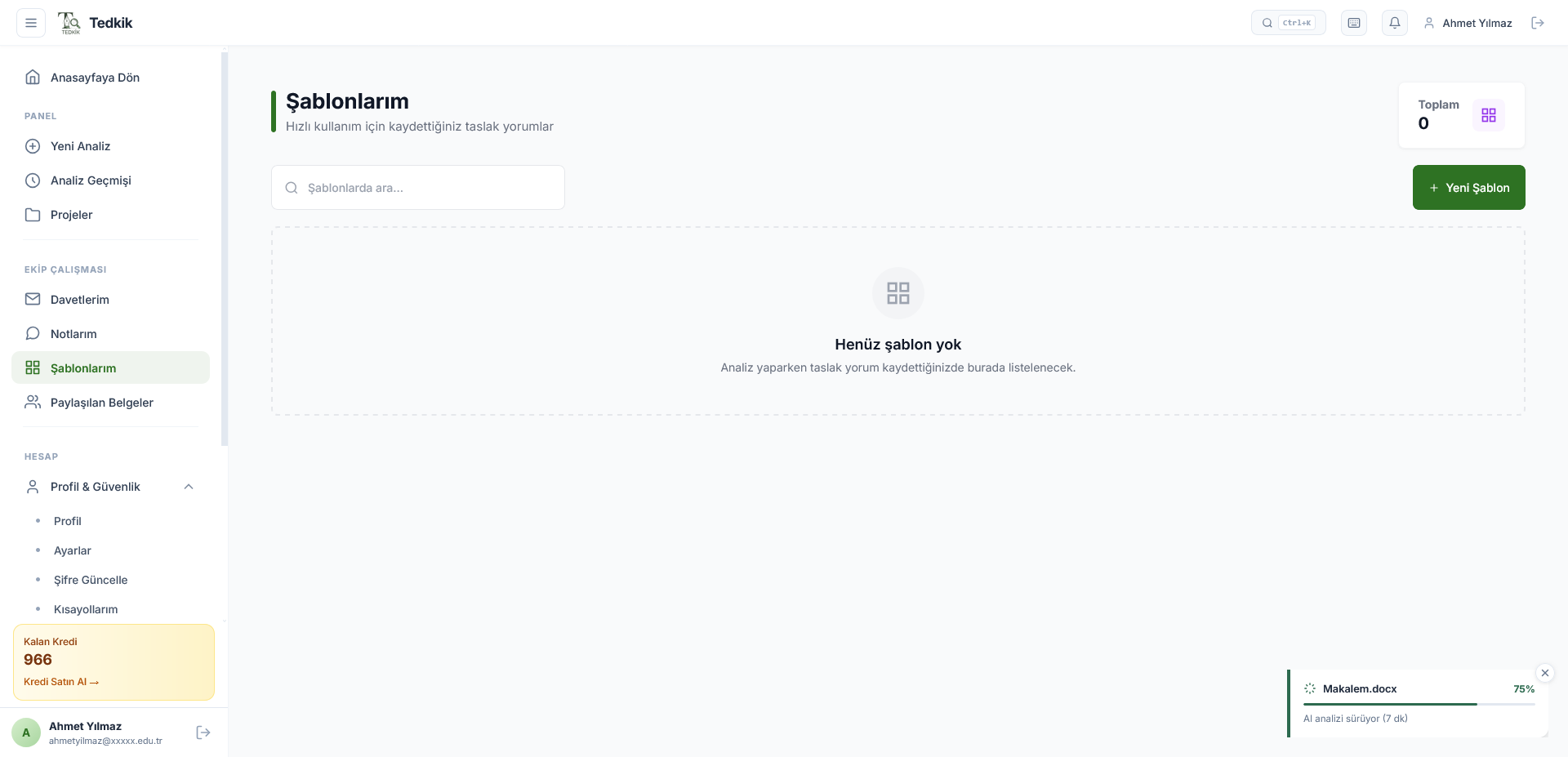
My Templates
Save your draft comments as templates and reuse them.
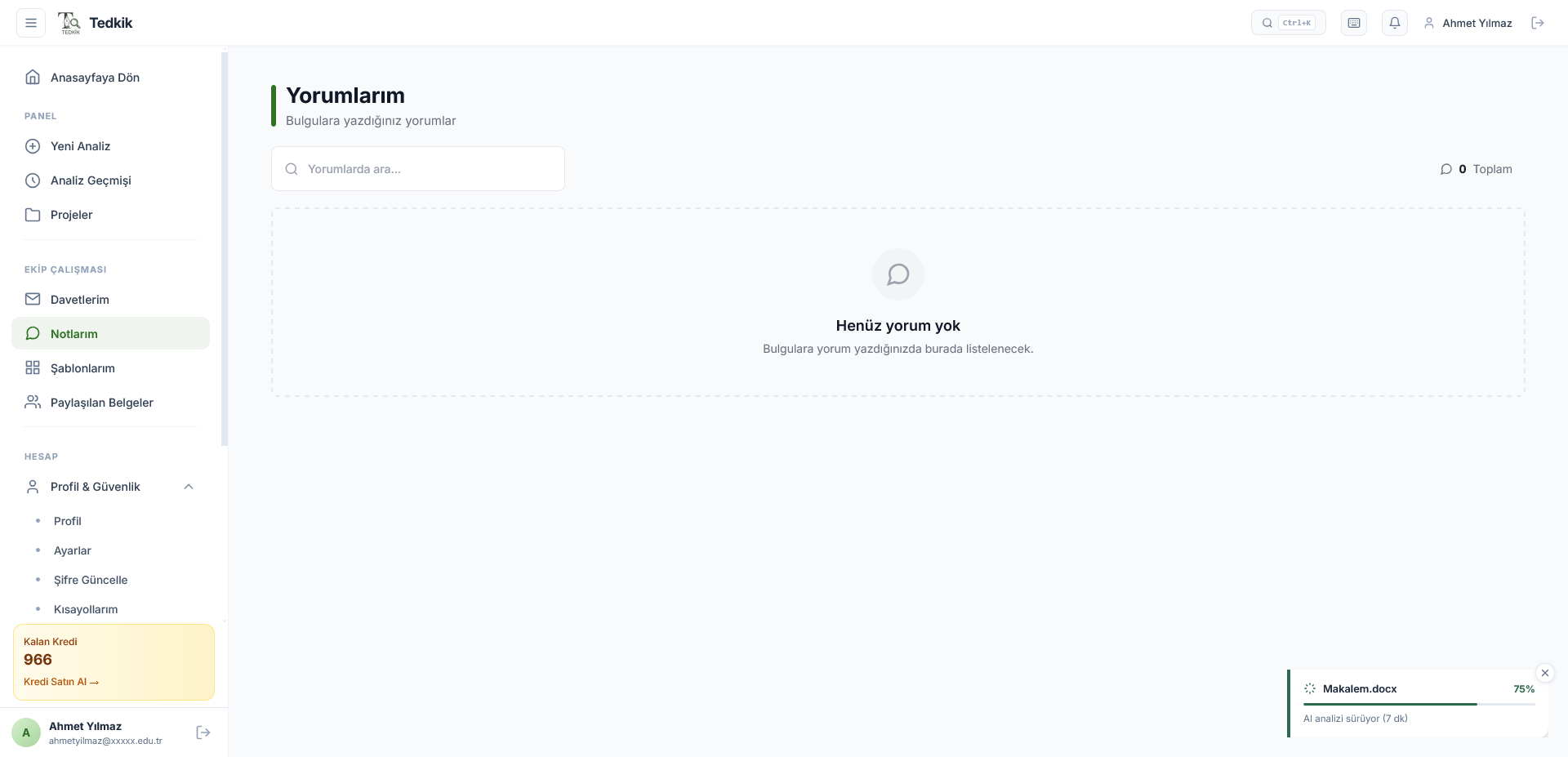
My Comments
View and edit all comments you have written on findings in one screen.
Profile & Account Management
Personal information, analysis preferences, credit management and support.
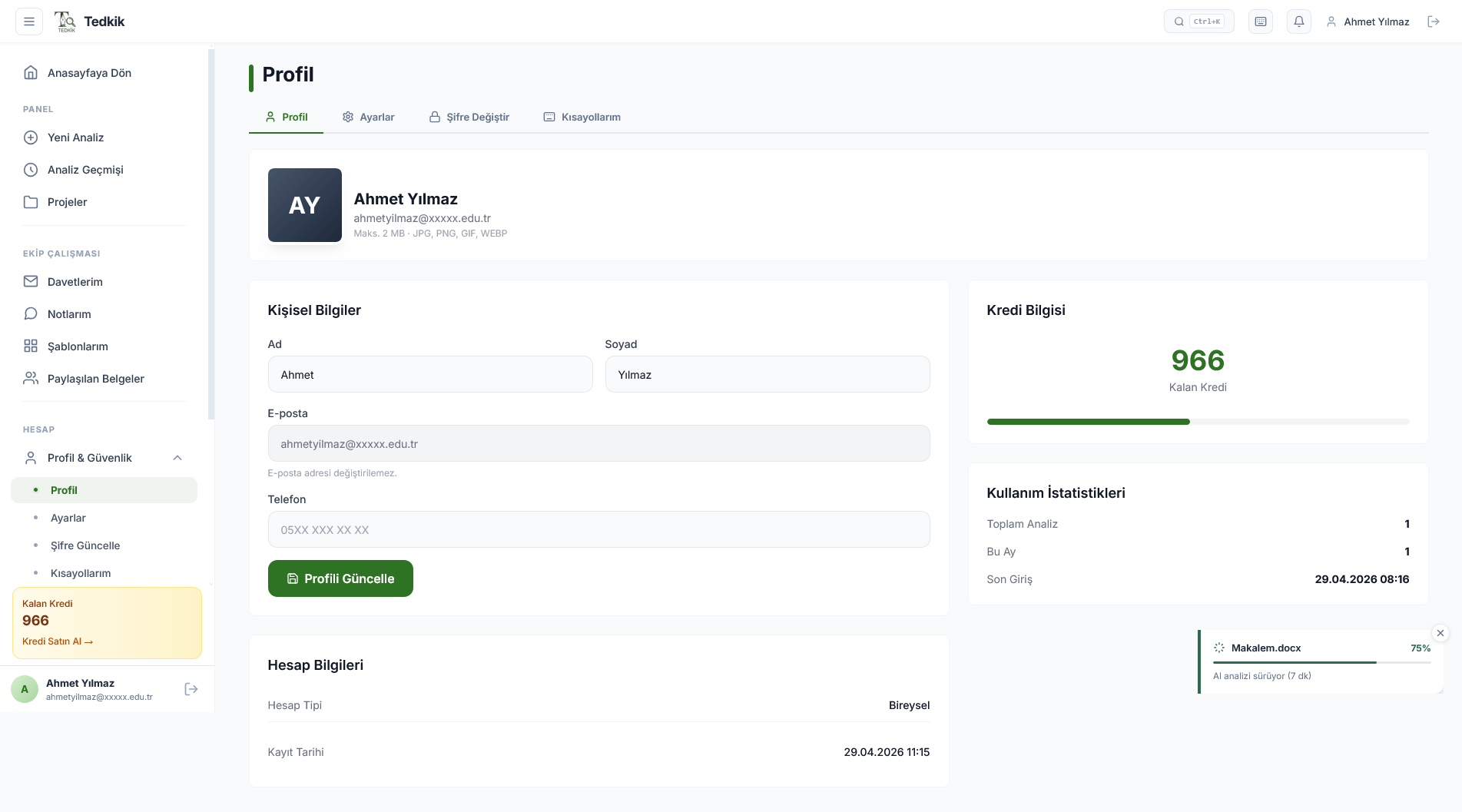
Profile
Name, email, remaining credits and usage statistics.
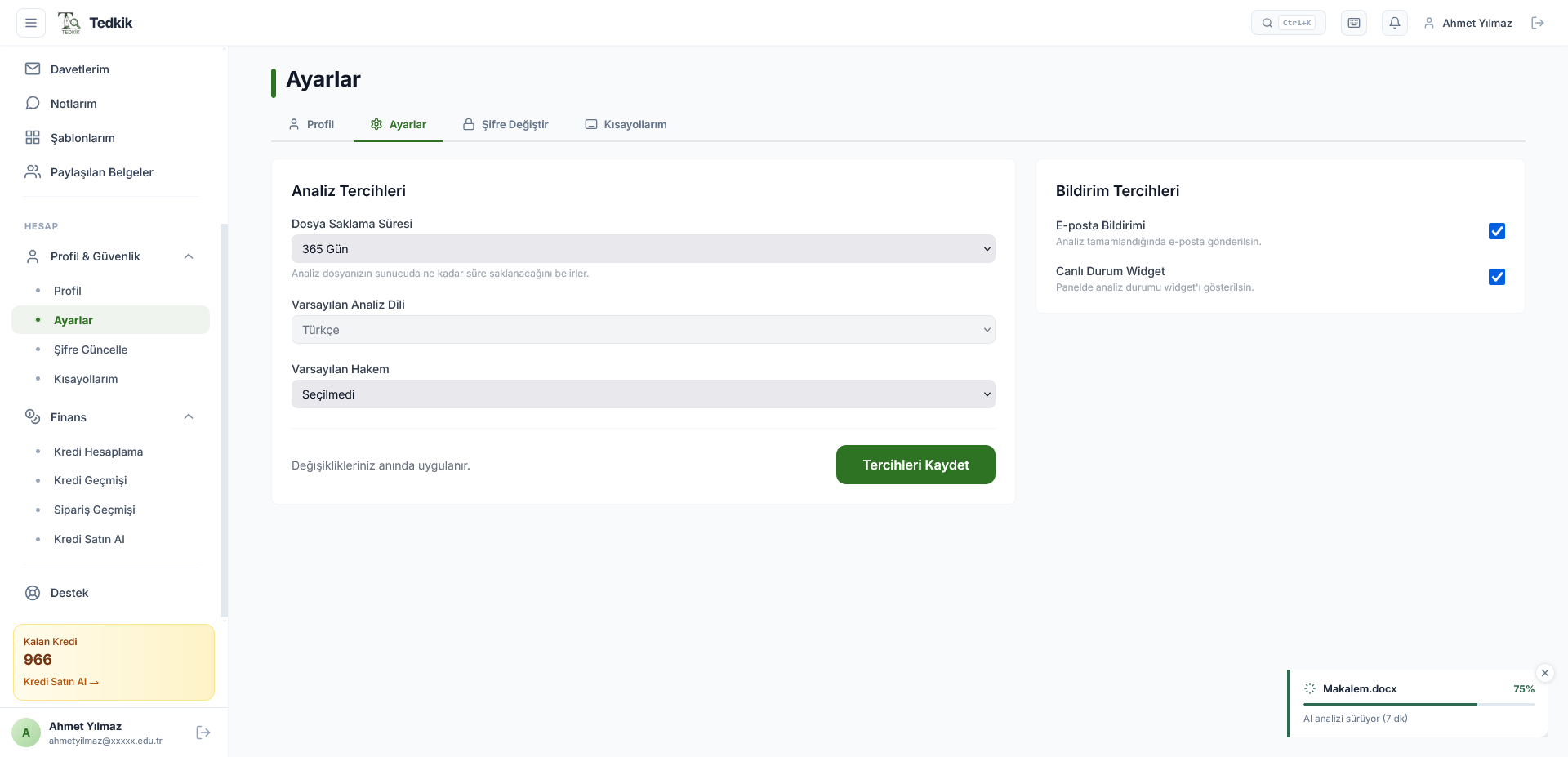
Settings
Default analysis language, peer review standard and notification preferences.
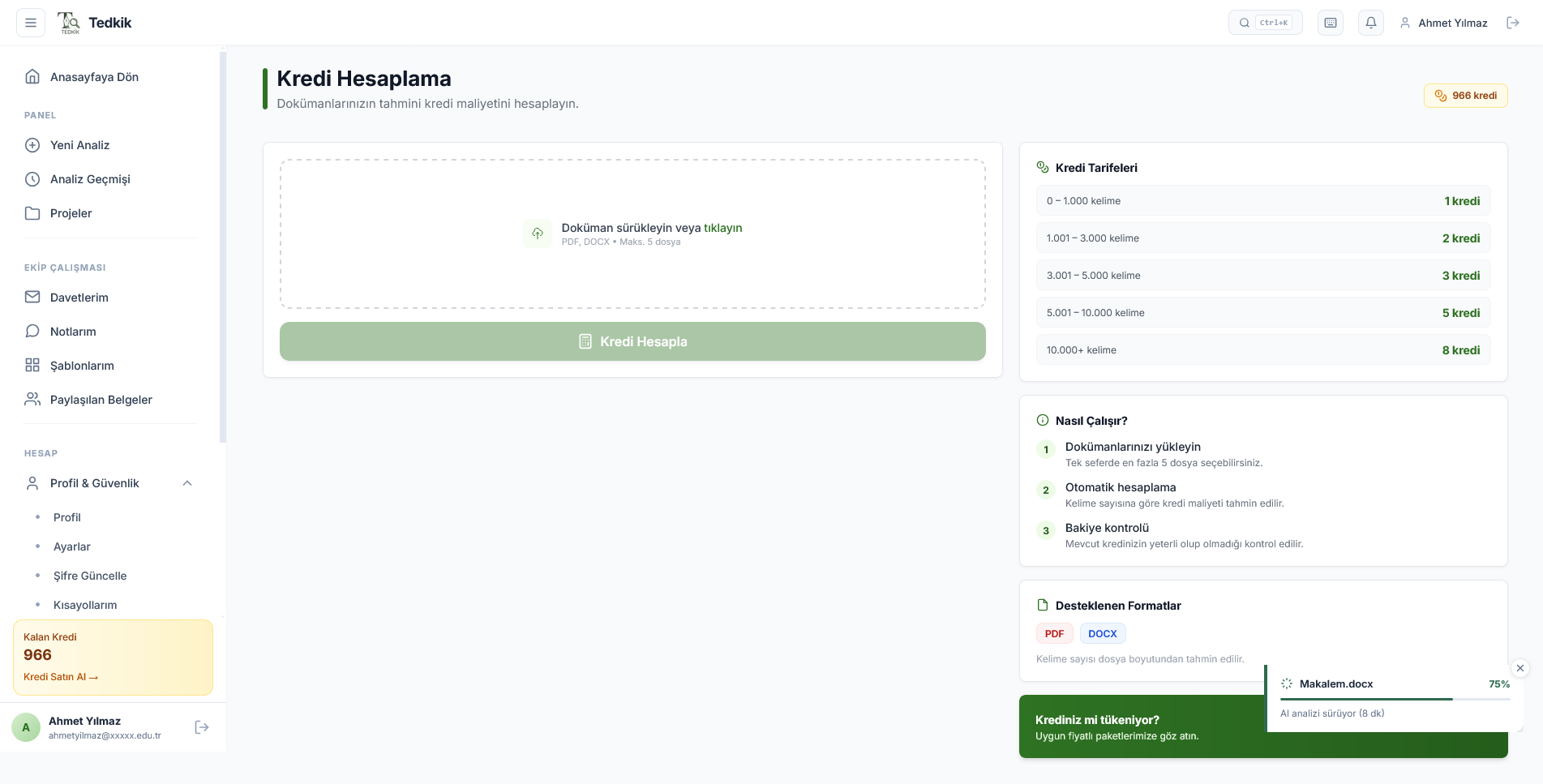
Credits & Finance
Credit calculation, history and order tracking.
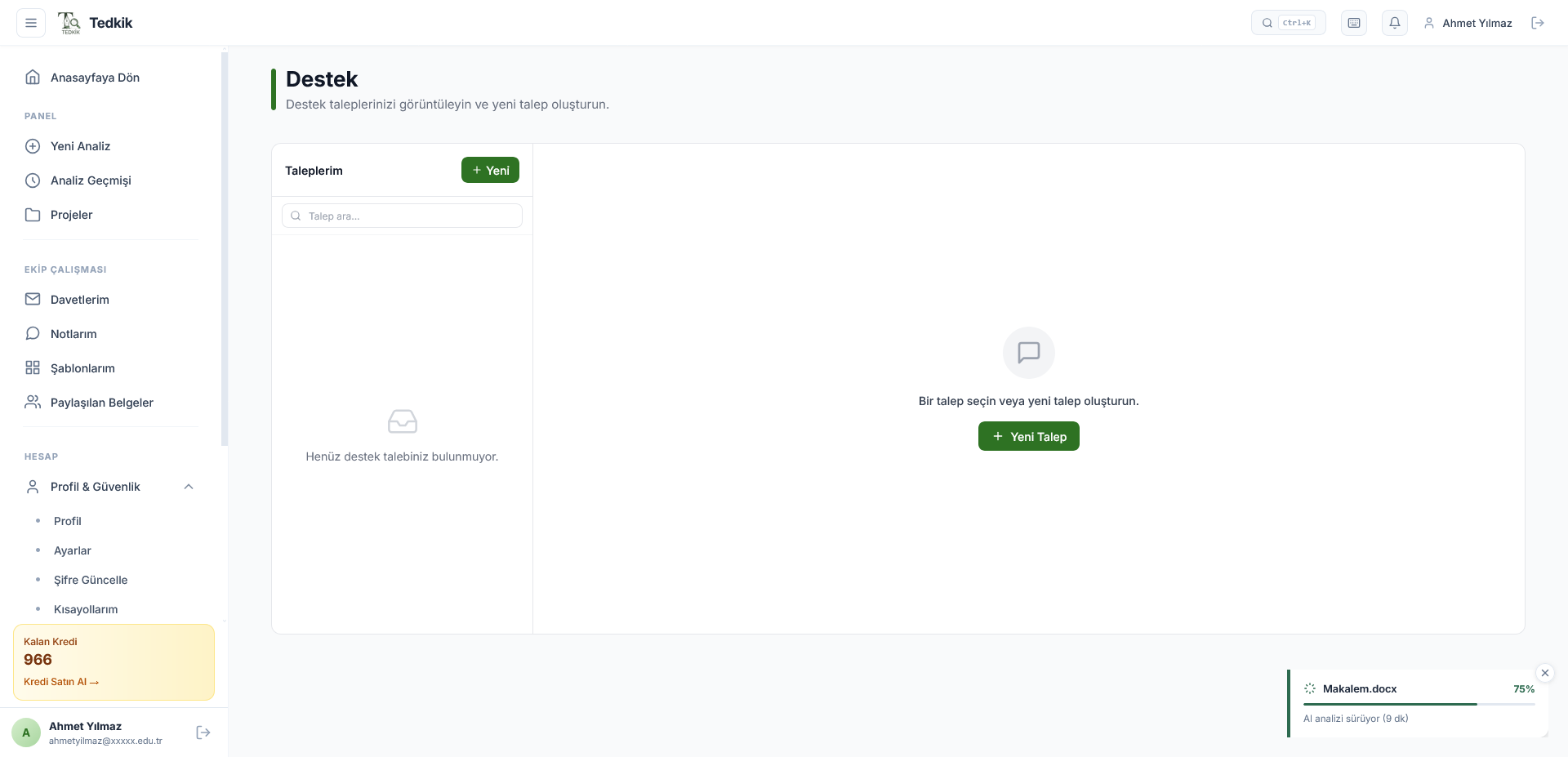
Support
Use the support center for FAQ, ticket creation and technical support.
Ready?
Start by analyzing your first document to explore the process.